Make every screen a smart display
VarsitySync lets you show announcements, menus, promotions, schedules, safety messages, or looping videos on any TV using tools you already know.
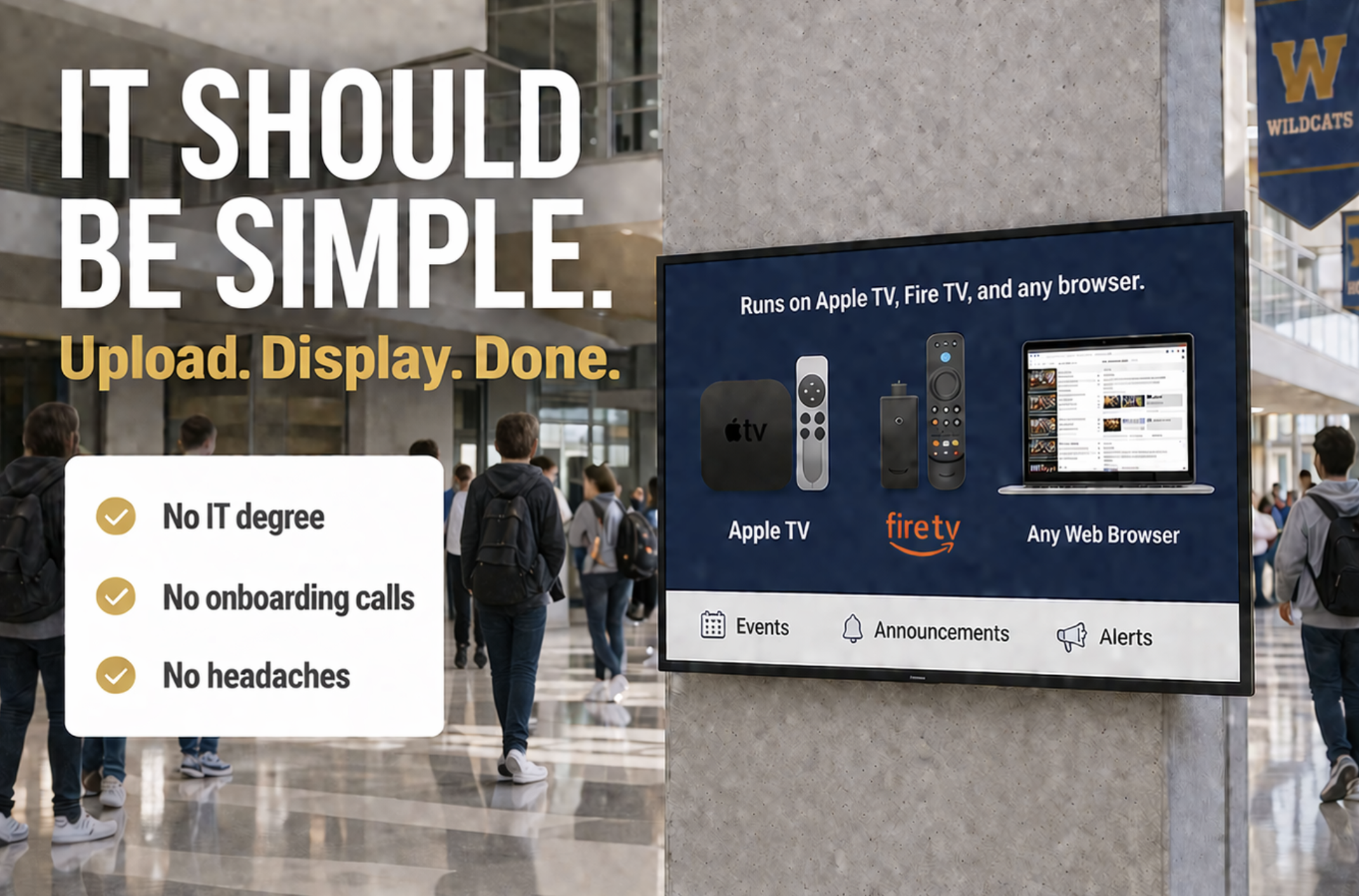
- Use the TVs and devices you already own, with Amazon Firestick or Apple TV.
- Manage every display from one simple dashboard.
- Ideal for schools, businesses, churches, gyms, clinics, and more.
Digital signage that runs on the tools you already use
VarsitySync connects your Google Slides decks, PNG Files, and MP4 videos to TVs and displays around your campus, office, or storefront. Create a screen, attach your content, and connect a device with a short display code. When you update the content, every connected screen updates too.
- Slides mode – rotate announcements, menus, schedules, and marketing messages with Google Slides and Canva Slides.
- Video mode – loop welcome videos, ads, hype videos, or highlight reels.
- Display codes – each screen gets a unique code for fast setup on Apple TV, Firestick, or a browser.
- Web dashboard – add, edit, and manage all screens from one clean interface.
Presentation mode built for real classrooms
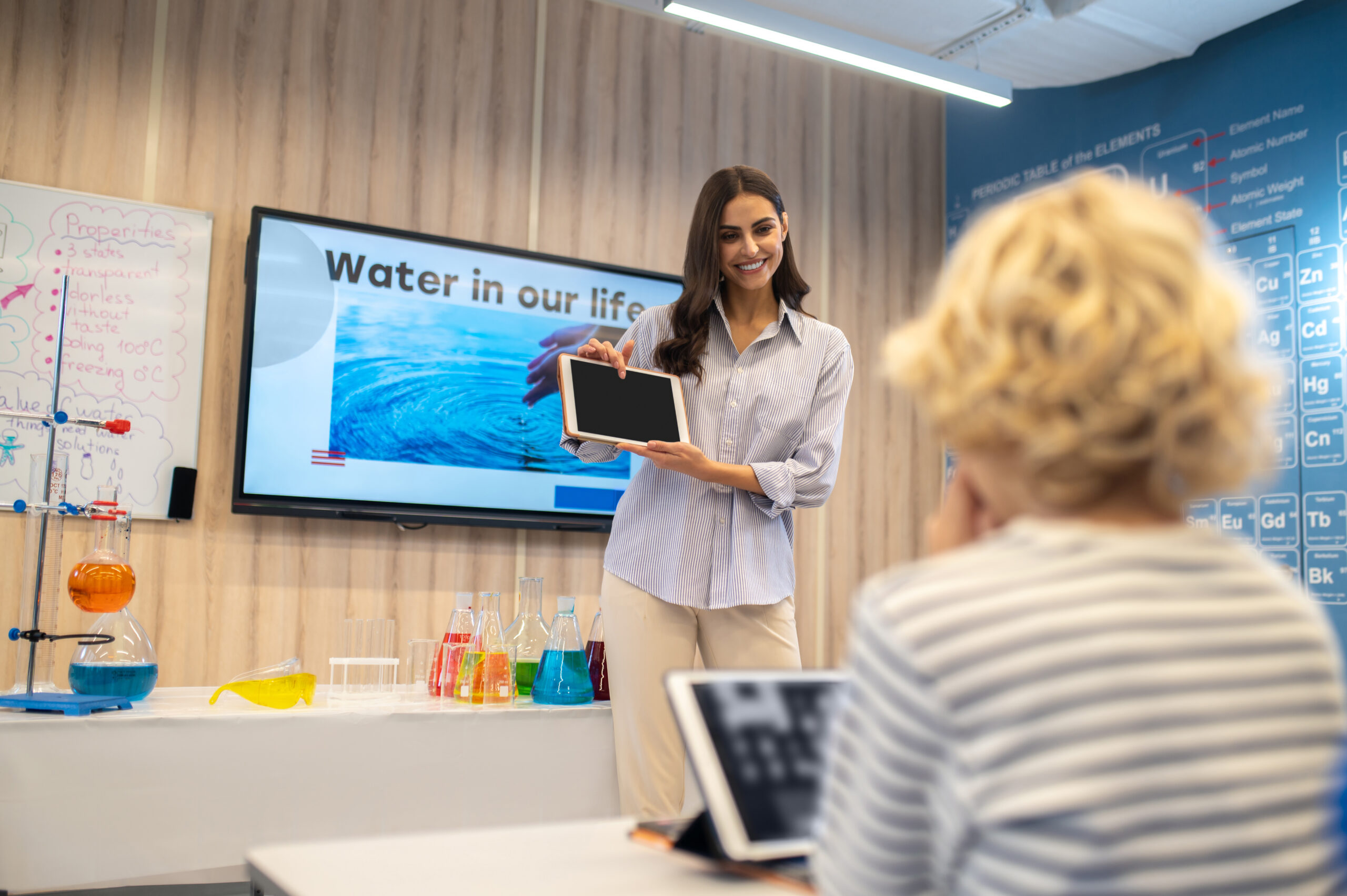
VarsitySync now includes a dedicated presentation mode on Apple TV that lets teachers and staff run clean, full screen slides without connecting a computer. It is built for fast setup and smooth performance.
- Full screen display that fills the entire TV
- PNG slides, or MP4 files
- No laptop or cables needed
- Quick setup using a display code
- Perfect for lessons, meetings, and daily announcements
Go from idea to live display in three simple steps
Create a screen
Log in to VarsitySync and create a screen for each TV or location, such as lobby, waiting room, hallway, sales floor, or front desk.
Add your content
Choose slides mode or video mode. You can even present slides with our new Apple Tv feature. Paste a PNG Slides or upload an MP4. VarsitySync handles timing, transitions, and playback.
Connect your device
Open the VarsitySync viewer on Apple TV, Firestick, or a web browser, enter the display code, and your screen goes live instantly.
Built for any place people need information
VarsitySync is flexible enough to work in schools, businesses, nonprofits, and more. If you have a TV and people who need to see what is happening, you can use VarsitySync.
Schools and campuses
- Announcements, schedules, events, and safety info.
Retail and small business
- Promotions, product highlights, and in store messaging.
Restaurants, cafes, and hospitality
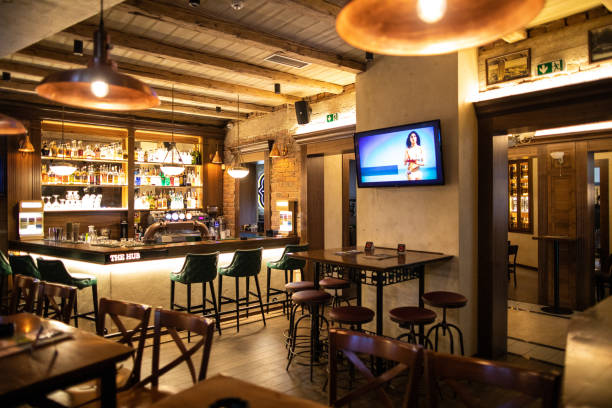
- Menus, specials, digital boards, and guest information.
Gyms, fitness, and recreation
- Class schedules, motivational content, and facility reminders.
Medical, offices, and churches
- Waiting room messages, welcome screens, events, and announcements.

Ready to turn your TVs into a communication hub
Create your first screen, connect a device, and see how easy it is to keep your campus, customers, guests, or team informed with VarsitySync.